Your AI agent can now run your MUTEX account
The MUTEX MCP server lets an AI agent trade, read your account and withdraw to your own wallets by prompt, inside limits the server enforces, not the prompt.
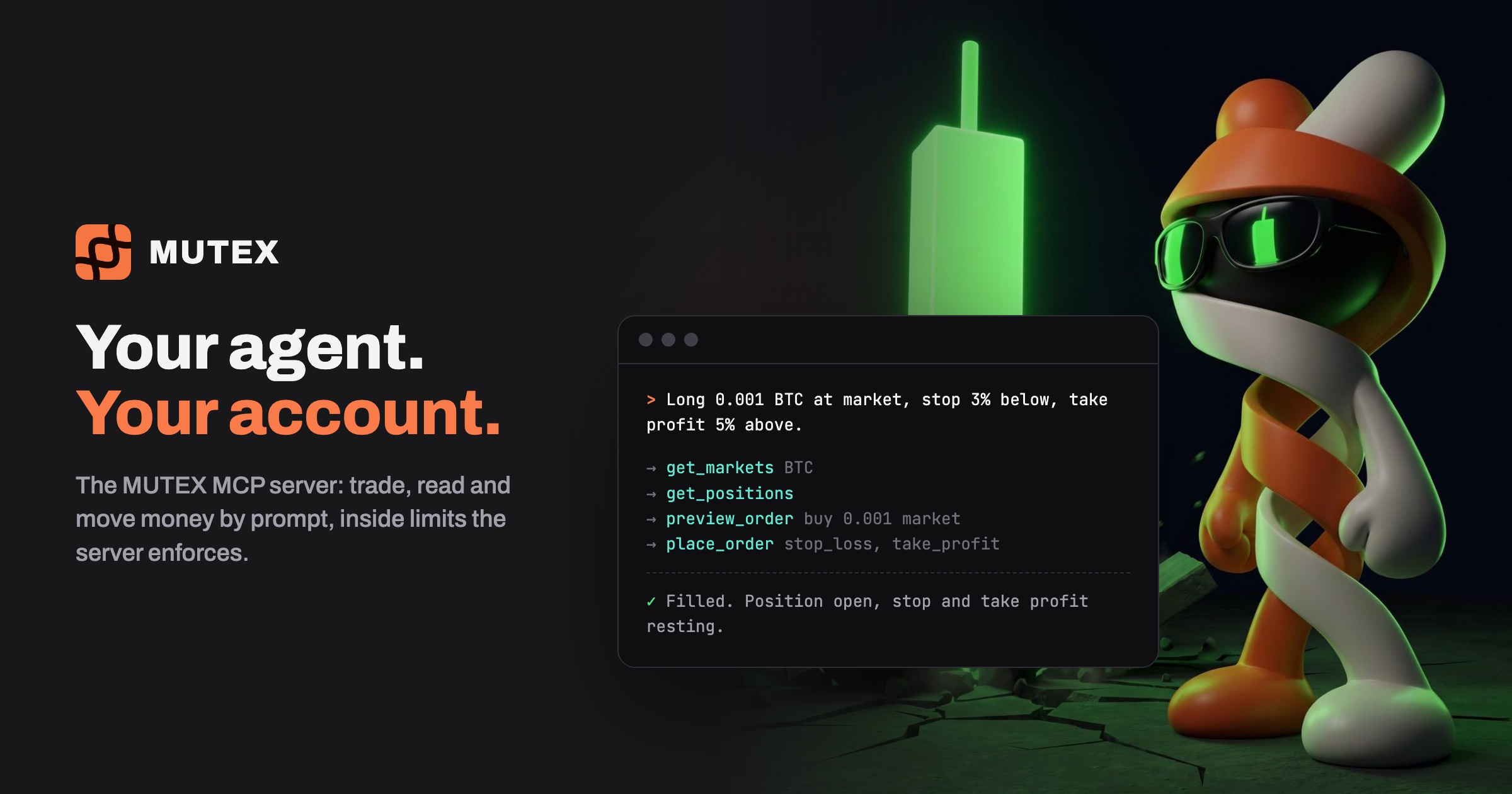
You can now hand your MUTEX account to an AI agent. Claude, or any agent that speaks MCP (the Model Context Protocol), connects to the MUTEX MCP server and works your account from a plain-language prompt: it reads the market, checks your balance, previews the trade, places it with its exits and tells you what happened. You stay out of the clicks. The limits stay in the server.
What your agent can do
The server runs on your own machine with one command, npx -y @trade-mutex/mcp, so there is nothing to install. What the agent can reach depends on the key you give it.
With an agent key it acts as you. Out of the box, the server gives it tools to:
- trade your main perp account: market, limit, stop and take-profit orders, take-profit and stop-loss pairs, leverage, changes and cancels
- read your balances, positions, open orders and trade history
- show your deposit address, and withdraw to wallets you have already linked
- find a vault, deposit into it and withdraw from it
The agent key is your own session, so beyond those tools it is accepted almost everywhere your login is: spot, bots and the funding farm, the prop desk, the arena, index funds, vaults and AI agents. The short list of things it can never do is below.
With a bot key it trades one isolated bot account, or one vault, and nothing else. That is the place to start.
Hands-free, with examples
You talk to the agent the way you would talk to a trader on your desk.
Check the BTC market and my balance. If I have room, preview a 0.001 BTC long at market, then place it with a stop 3% below and a take profit 5% above.
The agent reads the market and your account, calls preview_order for the estimated fill, fee and margin, then place_order with the stop and take profit attached. The reply to the order already carries the resulting position and open orders, so the agent reports back without checking again.
Find any position without a stop, and put a take-profit and stop-loss pair on it.
It reads your positions and orders, then places a linked pair with place_oco: when one leg fills, the other is cancelled.
Cancel all my resting SOL orders.
Show me the vaults with the best 30-day return. Put 500 USDC into the one with the smallest drawdown.
Withdraw 200 USDC to my linked wallet.
The first prompt works with either key. The others reach your whole account, so they take an agent key.
Retries are safe. Each withdrawal and vault deposit carries its own reference, so if a call times out and the agent tries again, MUTEX answers with the first one and never pays twice. A bot key’s orders carry one too, so a repeated order is refused rather than doubled.
Safe by design, not by prompt
A prompt can be talked out of a rule. A server cannot. Everything below is enforced by MUTEX itself, whatever the agent is told.
- Withdrawals go only to your own linked wallets. The API and the signer each refuse any other address.
- The agent can never change your wallets. Adding, replacing or removing a linked wallet takes a signature from a wallet you already linked, and no agent key is accepted for it.
- It can never give itself more power. An agent key cannot turn agent access on or off, create an API key, revoke itself or authorize a signing key.
- Agent access is off until you turn it on. While it is off, every agent key is refused on every endpoint, reads included.
- A bot key’s worst case is the bot’s balance. It cannot deposit, withdraw, swap, transfer or see the rest of your account. Fund the bot with what you would accept losing to a bad prompt, and that is the cap.
Secure keys, and you hold the off switch
To withdraw, the agent needs a second key. On first run the server makes a signing key on your machine. Its private half never leaves that file and is never printed. You authorize its address in Settings, with your linked wallet, for 30 or 90 days. Until you do, the agent can trade but cannot withdraw.
You can stop it at any moment:
- turn Agent access off in Settings and every agent key is refused at once
- revoke the agent key, or just the signing key to stop withdrawals
- pause a bot, and its agent can still cancel orders but cannot open anything new
Know the edges before you hand over your whole account. With an agent key, a hijacked agent can trade your main perp account and withdraw to your linked wallets, and the server does not ask you before it signs. That is why we say start with a bot key, and move to an agent key once you trust the agent.
Get started
- In the MUTEX app, create a bot with the AI Agent + API template, fund it small and press Execute.
- In Settings, API, generate the bot’s trading key. It is shown once.
- Add the MUTEX server to your agent’s MCP config with that key.
- Paste our system prompt into the agent, so it previews first, sizes in coins and respects the balance.
The full setup, both modes, every tool and the system prompt are in the MCP server docs. What each key can and cannot reach is on the agent access page.